
Events
Organize Relationship Resources with the Library
Managing important documents across emails, shared drives, and disconnected folders can quickly become difficult, especially when working with multiple organizations, committees, and groups. With Library Tabs built directly into the Relationships module, Engagifii gives teams a centralized way to organize resources exactly where they belong.
Whether you're managing organization documents, committee materials, or group-specific resources, Library Tabs help keep important information connected to the right records while improving collaboration, accessibility, and everyday efficiency.
Relationship Library Tab
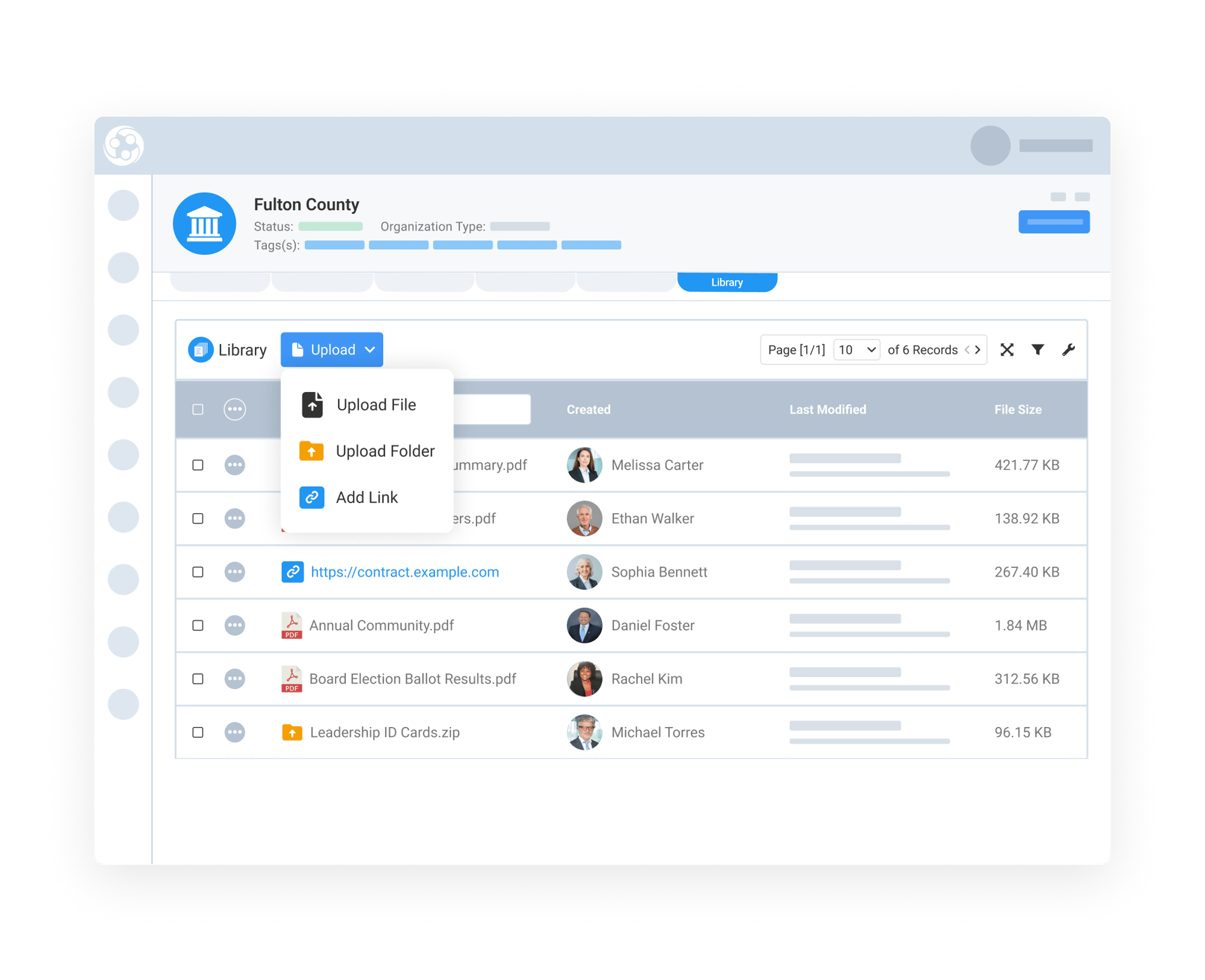
Keep Organization Documents Centralized and Accessible
The Organization Library Tab gives teams a dedicated space to manage important resources directly within each organization record. Staff can upload individual files, create folders, and add links to relevant external resources, keeping everything organized in one place.
This space is ideal for storing agreements, policies, onboarding materials, contracts, strategic documents, and other shared resources. Instead of searching through emails or separate file storage systems, teams can quickly access the information connected to the organization they're managing.
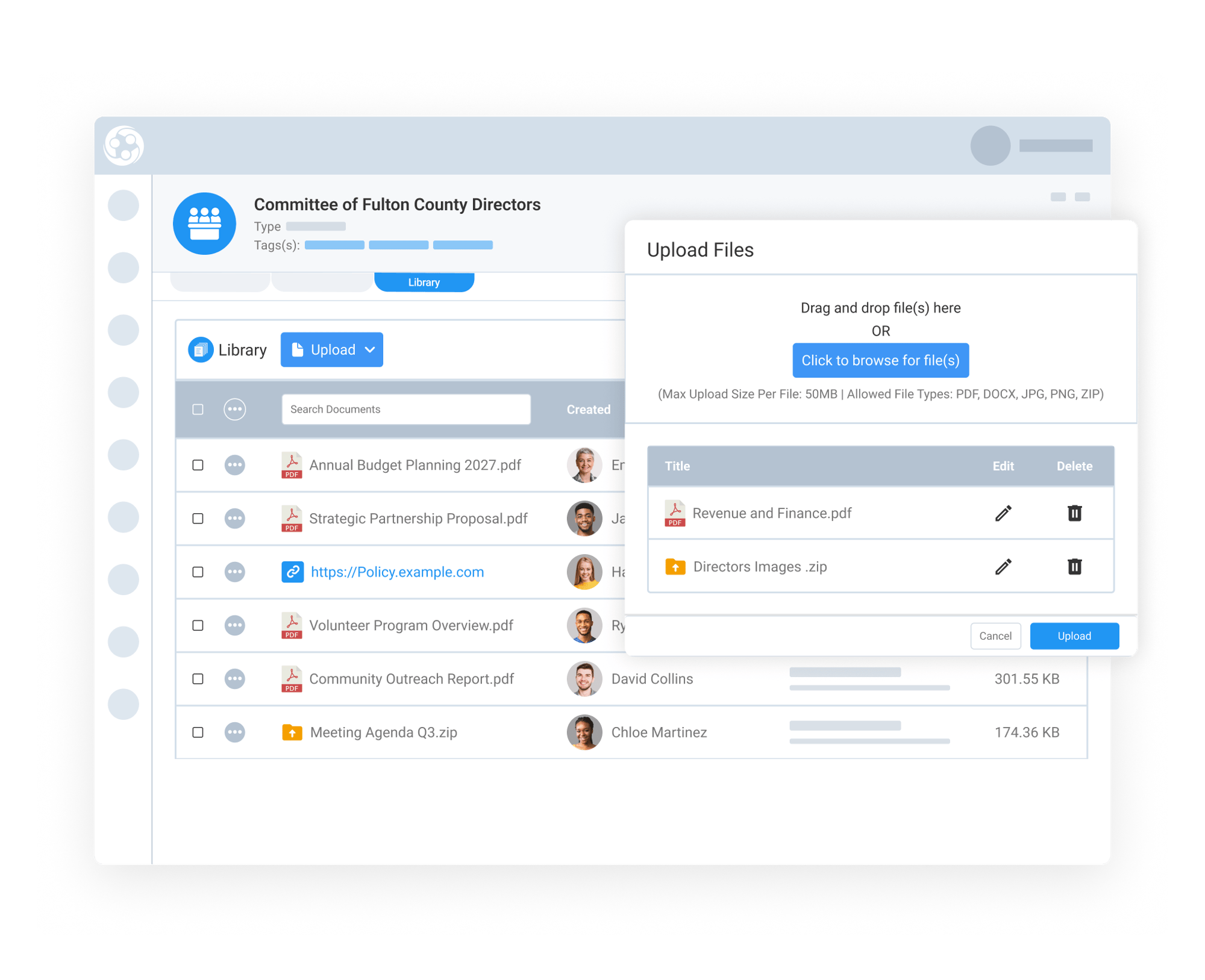
Keep Committee Materials Organized and Easy to Find
The Committee Library Tab helps associations organize meeting materials and governance documents directly within each committee or board record, making important resources easier to manage and access over time.
Teams can upload agendas, meeting minutes, bylaws, policy drafts, reports, presentations, and supporting research. They can also create folders and add links to related resources, keeping committee information organized and readily available.
By connecting these materials to the appropriate committee, teams can access current and historical documents without relying on scattered emails or shared folders.
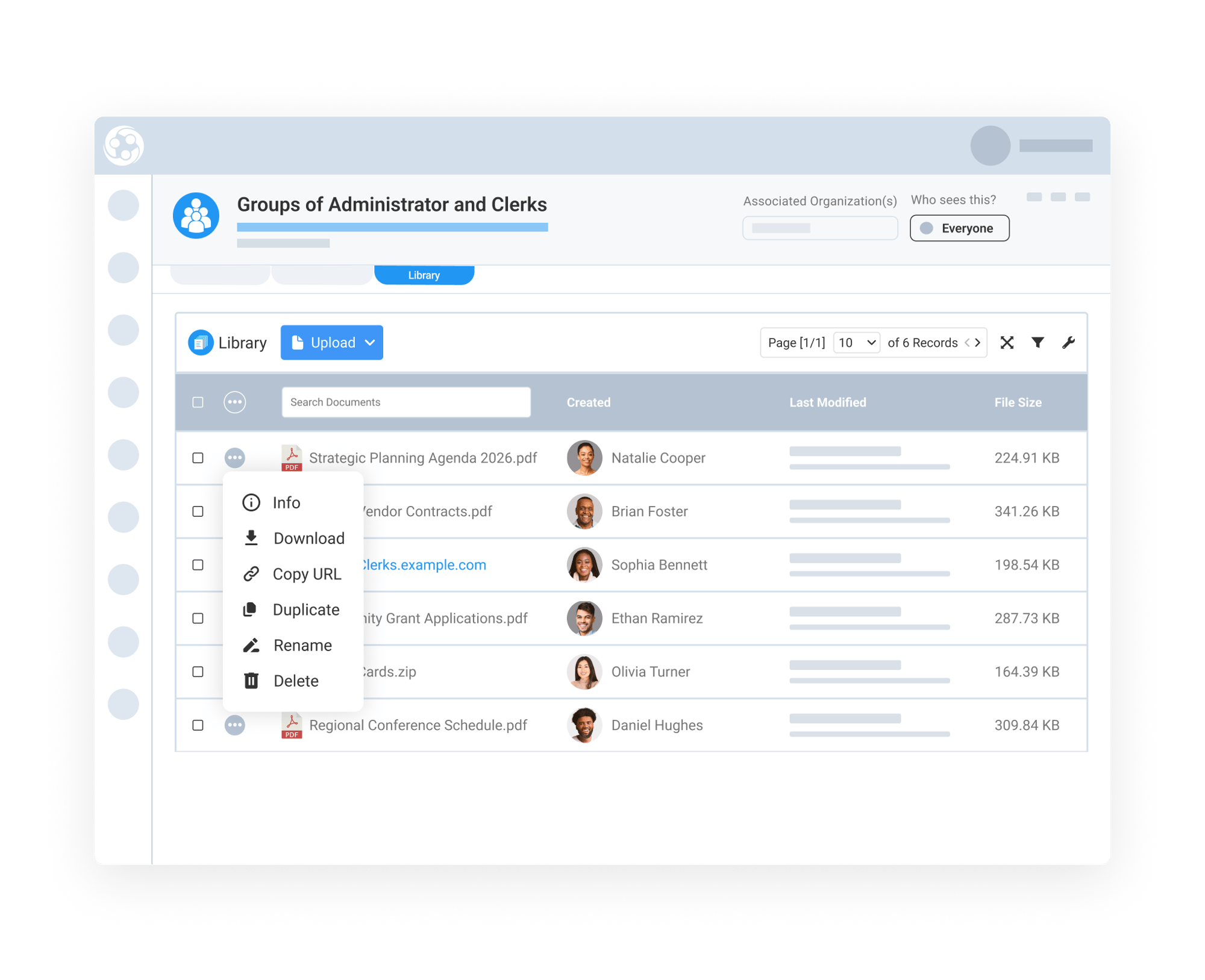
Support Group Collaboration With Shared Resources
The Group Library Tab helps associations keep relevant documents and resources connected to specific groups, whether they're organized around shared responsibilities, professional roles, committees, or common interests.
Teams can upload training materials, event documents, planning resources, templates, and other group-specific files. With options to create folders and add links, staff can organize supporting information directly within the group record.
When edit permissions are granted, staff can also rename, duplicate, preview, and remove files or folders as needed, helping keep resources organized and updated.