
Events
Organize Event Resources with Library Tabs Across Events, Sessions, Bundles and Venues
Managing event-related files across emails, shared drives, and disconnected folders can quickly become difficult, especially for large or multi-session events. With Library Tabs built directly into the Events module, Engagifii gives your team a centralized and structured way to manage documents exactly where they belong.
Whether you’re organizing event-wide materials, session handouts, bundled resources, or venue logistics, Library Tabs help keep files connected to the right part of the event experience while improving collaboration, visibility, and operational efficiency.
Events Library Tab
Keep Event Documents Centralized and Easy to Access
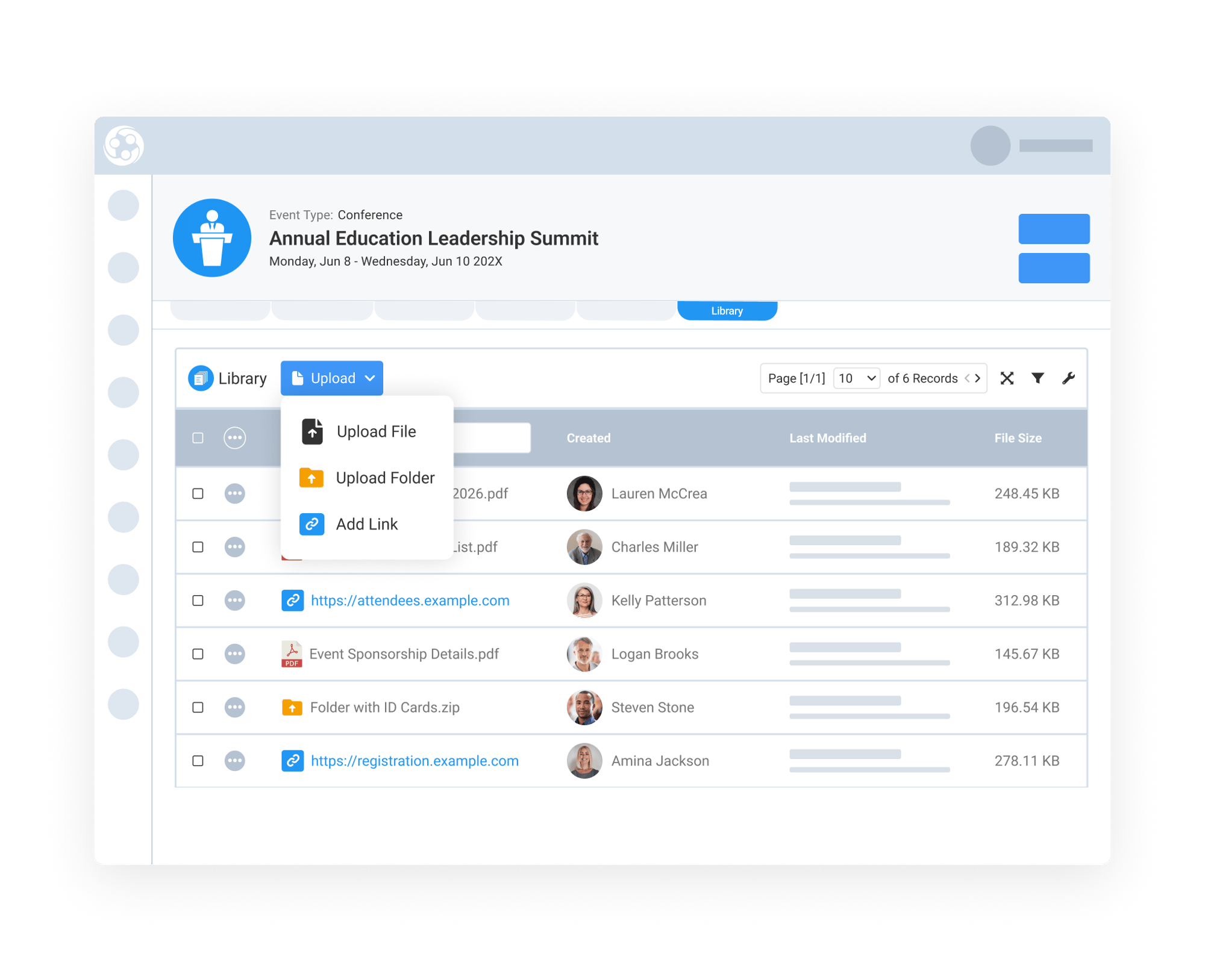
The Event Library Tab acts as a central document hub for your event. Staff can upload individual files, create folders, or add links to relevant external resources directly within the event record, making it easier to organize important resources without relying on separate storage systems.
This space is ideal for managing event agendas, exhibitor packets, marketing assets, contracts, floor plans, and attendee resources. Instead of searching through emails or shared folders, your team can quickly access the exact files and linked resources connected to the event they’re actively managing.
Attach Session and Bundle Materials to the Right Experience
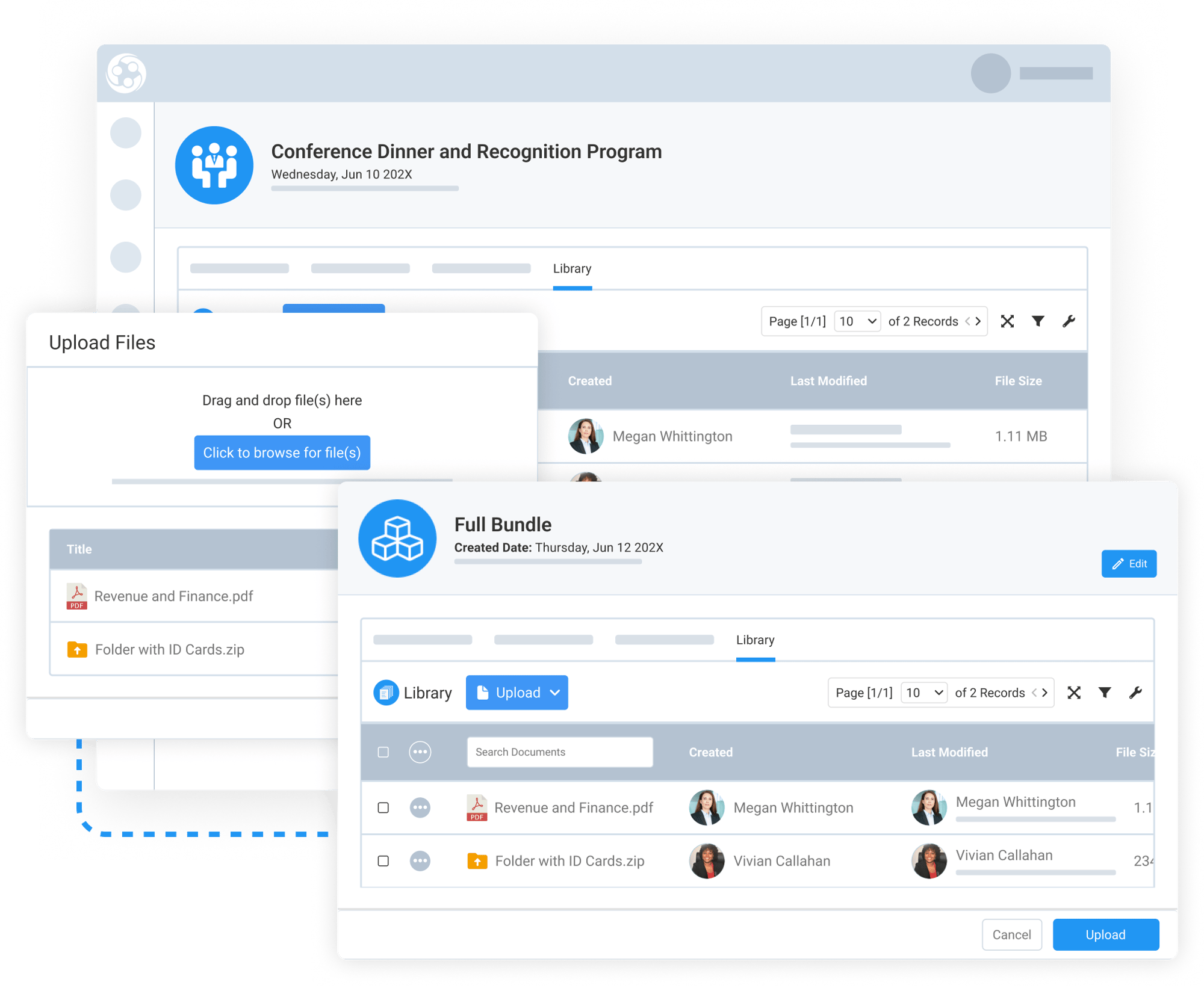
Library Tabs are also available within individual Sessions and Bundles, allowing teams to keep supporting materials directly tied to the specific experience they belong to.
For sessions, this may include speaker presentations, training materials, handouts, worksheets, recordings, or certification-related documents. For bundles, teams can manage package-specific resources, bundled attendee materials, sponsorship deliverables, or instructional documents.
By keeping resources attached to the correct session or bundle, associations can maintain cleaner organization across large events while making content easier for staff to manage and distribute.
Manage Venue Logistics and Operational Files Efficiently
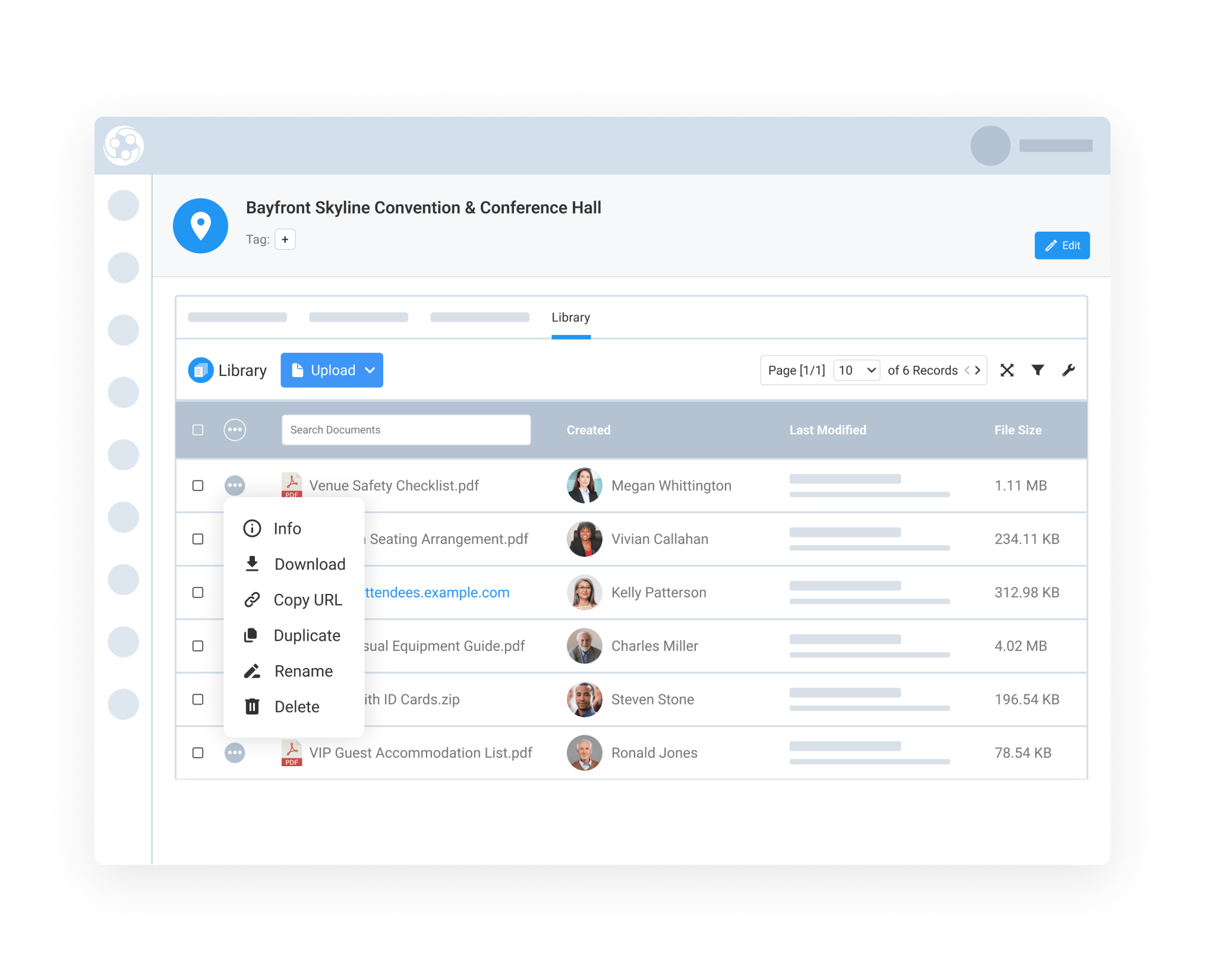
The Venue Library Tab helps teams organize venue-specific documents directly within the venue record, creating a reusable and convenient operational workspace for future events.
Teams can store contracts, insurance documents, emergency procedures, setup instructions, parking maps, AV requirements, catering details, and floor layouts all in one place. Instead of recreating venue documentation for every event, staff can quickly access existing resources whenever the venue is reused.
When edit permissions are granted, staff can fully manage both files and folders directly within the Library Tab. This includes creating folders, renaming or duplicating files, previewing documents, copying file URLs, and removing outdated content as needed.
Maintain Visibility with Real-Time Activity Logs
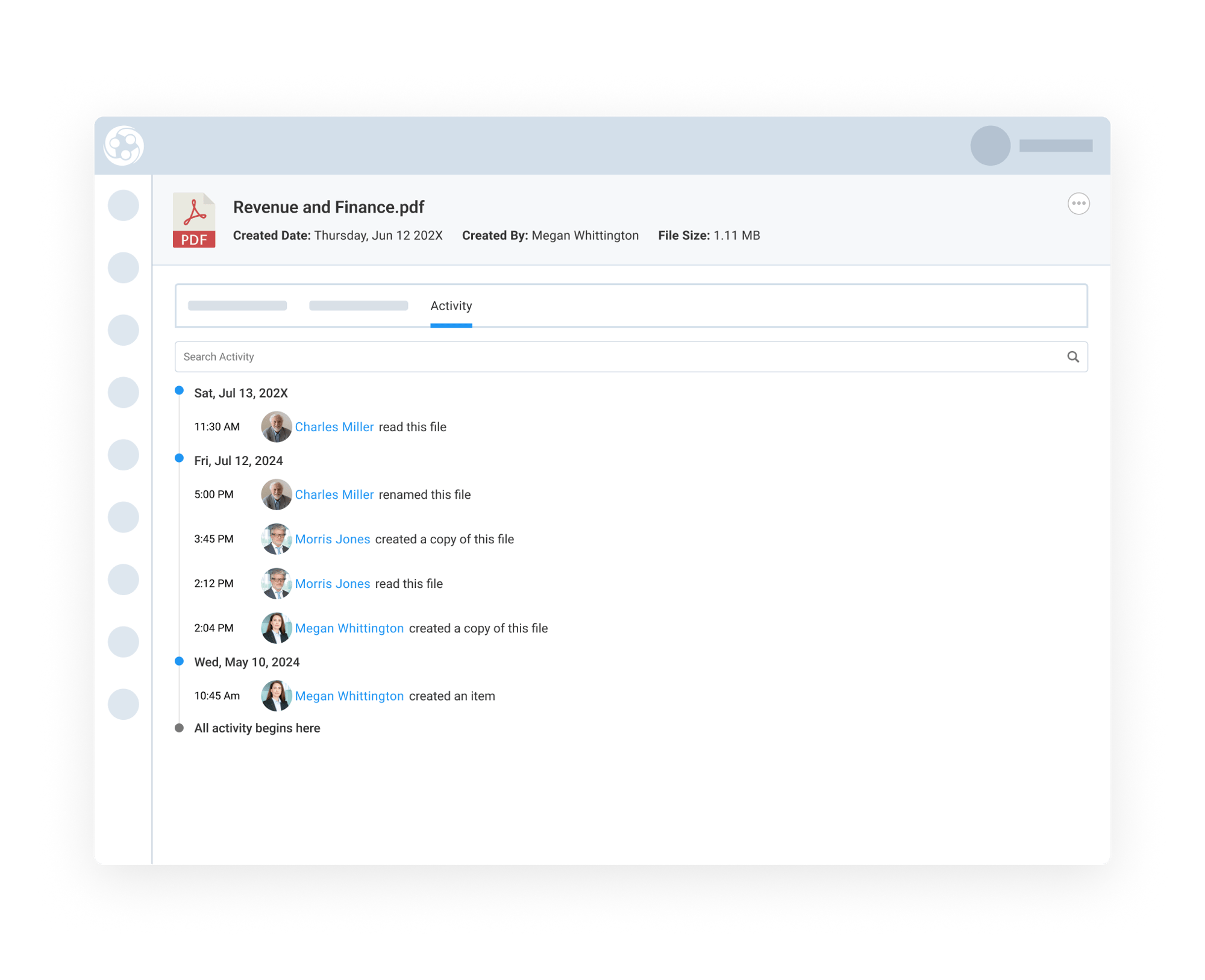
Library Tabs include built-in activity tracking, giving teams better visibility into how files and folders are being managed across events, sessions, bundles, and venues.
The Activity Tab automatically captures important actions such as file uploads, folder creation, renaming, duplication, deletions, previews, and other interactions. This creates a clearer audit trail and helps teams understand who made changes and when.
Navigation improvements also create a smoother experience while managing resources. Closing a file or detail view consistently returns users back to the Library Tab, while shared URLs open reliably in new tabs for easier access and collaboration.