Relationships
Let People Self-Register for Engagifii
Associations do not always need to create every person record manually. In some cases, a prospective member, new contact, or public user may need a simple way to create their own profile and gain access to the right parts of Engagifii.
Self-registration allows people to create their own Engagifii profile from the login experience. Administrators can decide whether self-registration is available, which role and person type should be assigned, and what information needs to be collected during sign-up. This gives associations a guided way to bring new people into the database while keeping access controlled.
self register
Enable Public Self-Registration
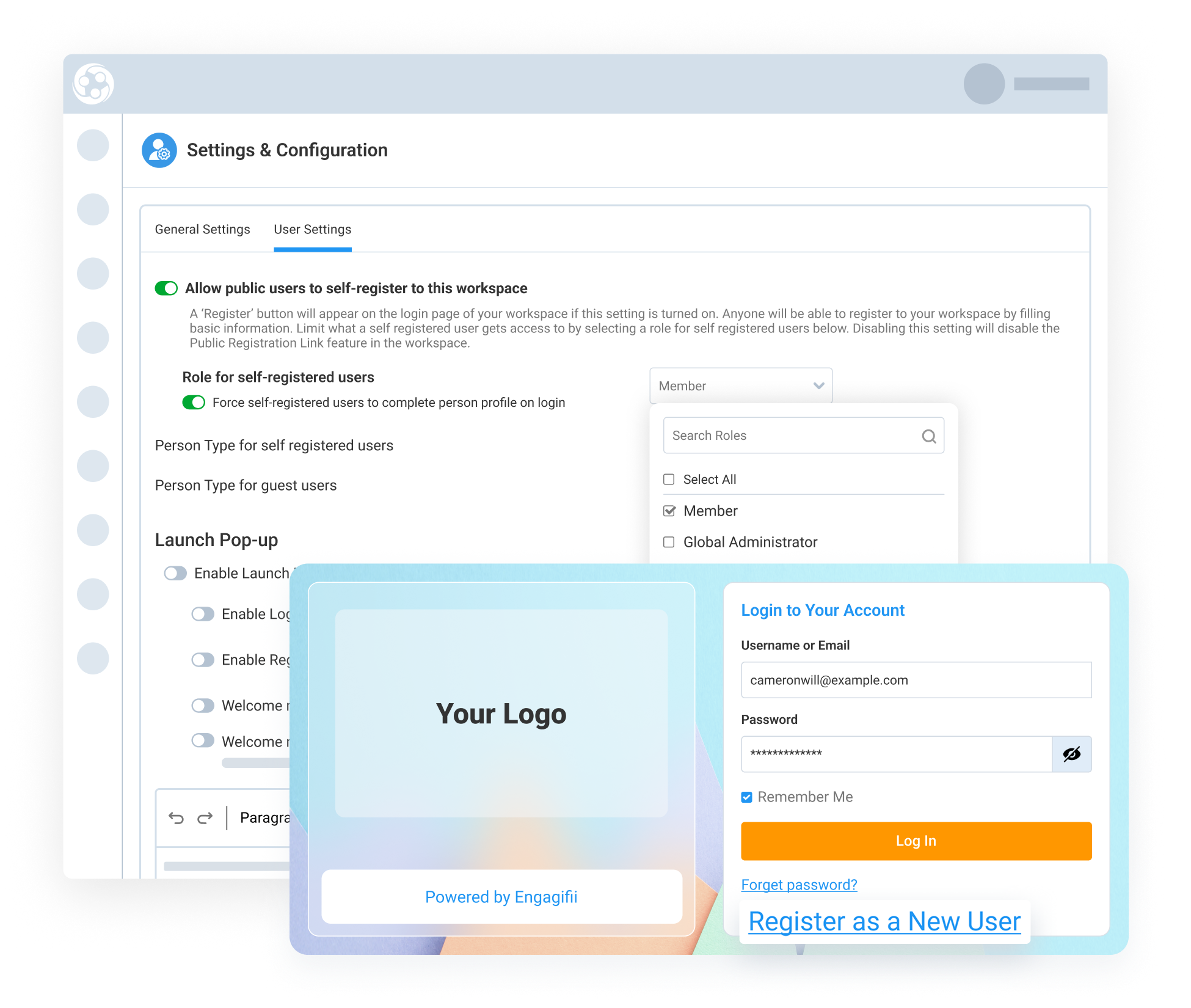
Administrators can choose whether public users are allowed to self-register for a workspace. When self-registration is enabled, the login screen can show a Register as New User option, allowing someone to create their own profile with a username and password.
During setup, administrators can also pre-assign the person type and role that should apply to people who register themselves. For example, a self-registered person may be assigned a member, prospective member, member-applicant, or another role based on how the association wants to manage access.
This helps associations open a self-registration path while still controlling the permissions and starting access each new person receives.
Collect the Right Profile Information
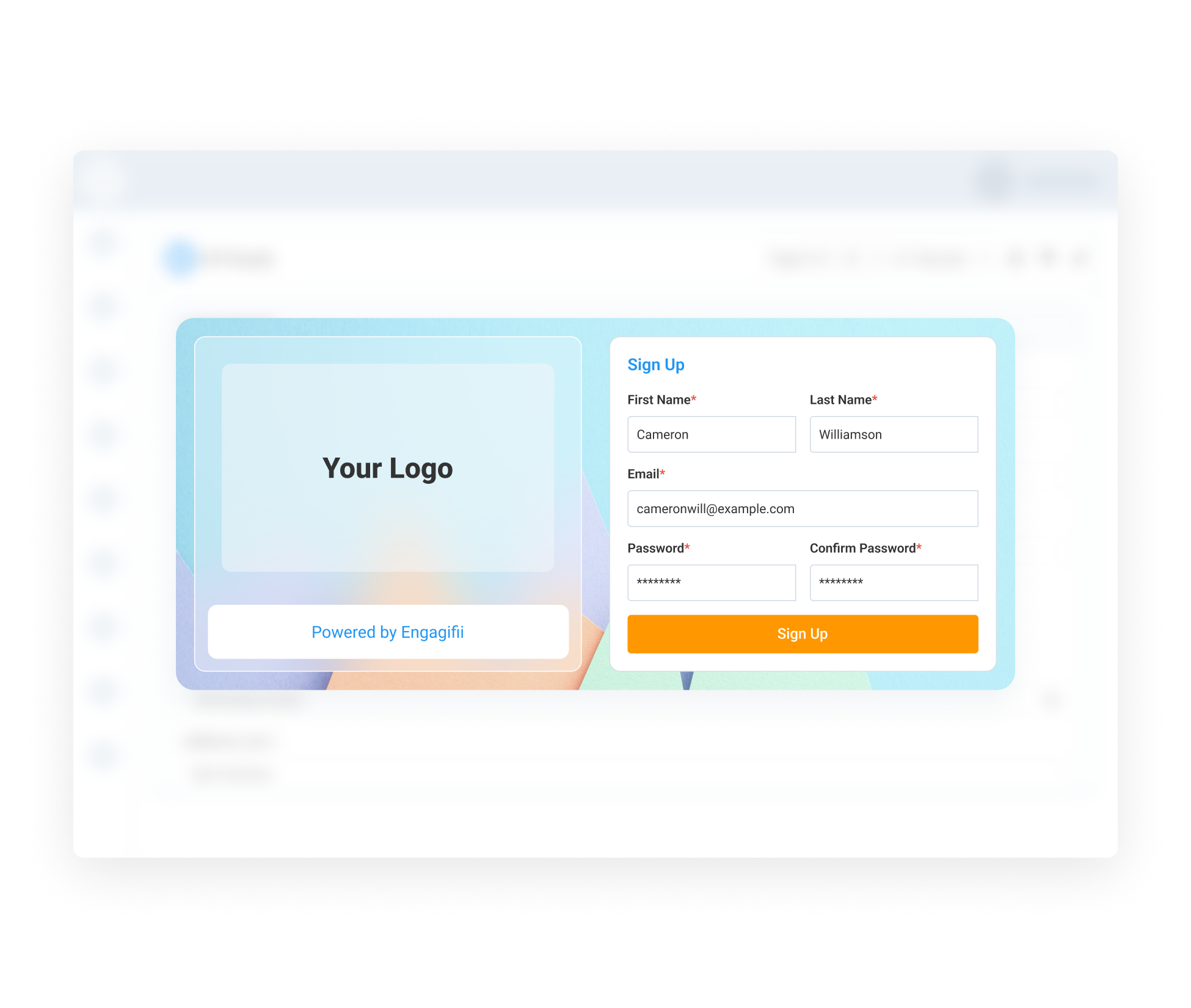
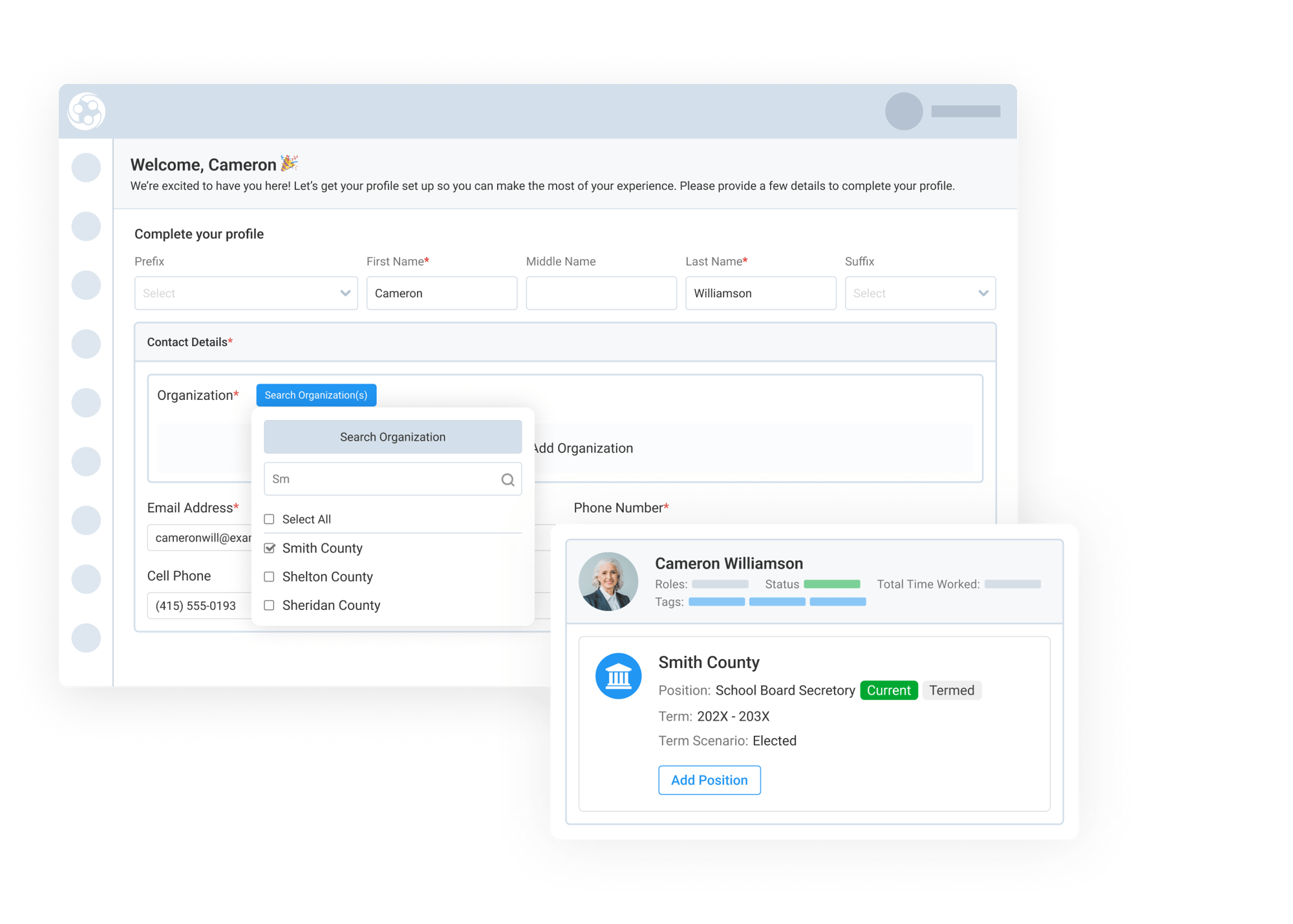
Self-registration can collect the basic information needed to create a person record in Engagifii. After entering an email address and creating a password, the person is guided through a profile setup form where they can enter the details required by the association securely.
Administrators can control which fields appear during this process. Instead of showing every field in the database, Engagifii only displays the fields designated for new profile creation. This allows associations to keep sign-up simple while still capturing the information they need.
This creates a cleaner registration experience for new people and reduces unnecessary steps during profile creation.
Create a Profile With the Right Starting Access
Once the self-registration form is completed, the person is added to the Engagifii database with the role and permission set assigned during setup. They can then log in and access the areas available to that role.
This is especially helpful when an association wants people to create their own profile before taking the next step, such as viewing events, accessing member resources, or enrolling in membership and dues. Access still depends on the permission set assigned to the person during self-registration.
By combining self-registration with role-based access, associations can make it easier for new people to get started while keeping the platform secure and organized overall.