Relationships Engagifii Login
How do I simplify member registration and access to my association?
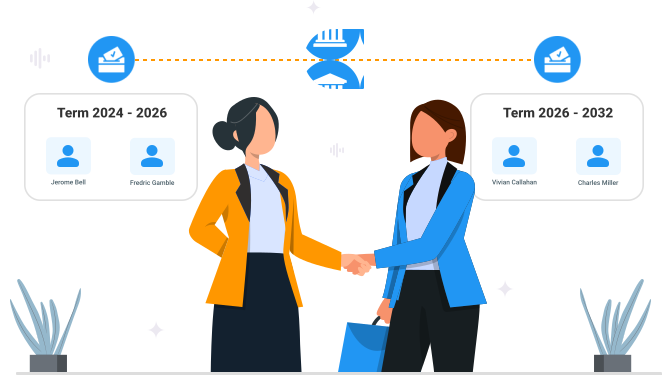
Bringing new people into your association can happen in different ways and for different reasons. Sometimes your team already knows about new people coming in because of an election, so they input them directly. Other times, prospective members need the flexibility to register themselves.
Engagifii supports both paths while keeping access easy through one central profile and login experience. Your team can invite people directly, enable self-registration, and provide access to Memberships & Dues options based on the roles and permissions you establish.
Add and Invite People With the Right Access
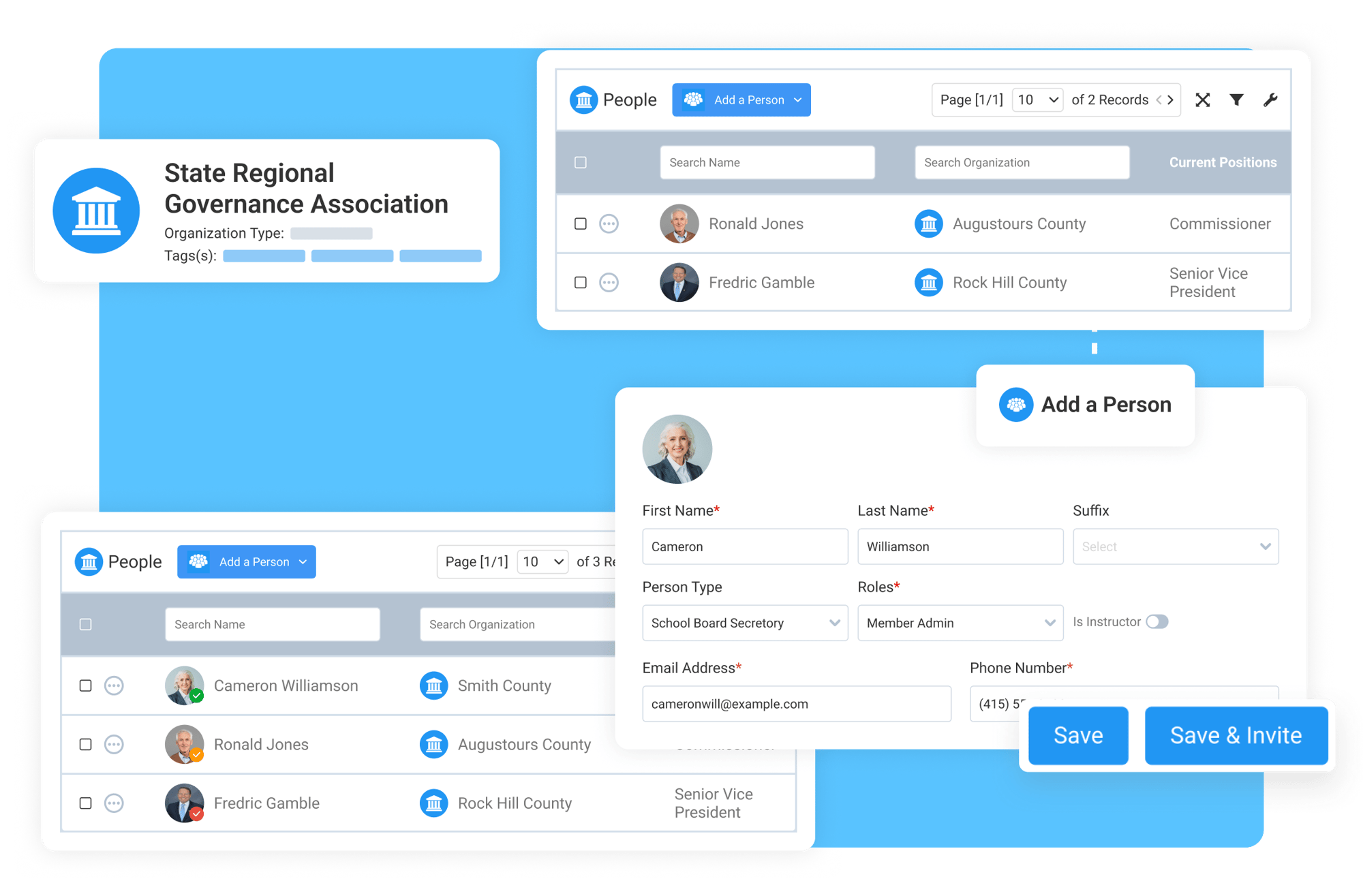
When your association already knows who needs to be added, your team can create their profile, connect them to the appropriate organization and position, and establish their role within the association.
A person can simply be added to your database when they just need to be tracked but aren’t expected to log in, or they can be invited to create their credentials and access Engagifii when they need to manage information, register for activities, or interact with other areas of the platform.
Give people the access they need while keeping your association in control from the start.
Let People Create Their Own Profiles
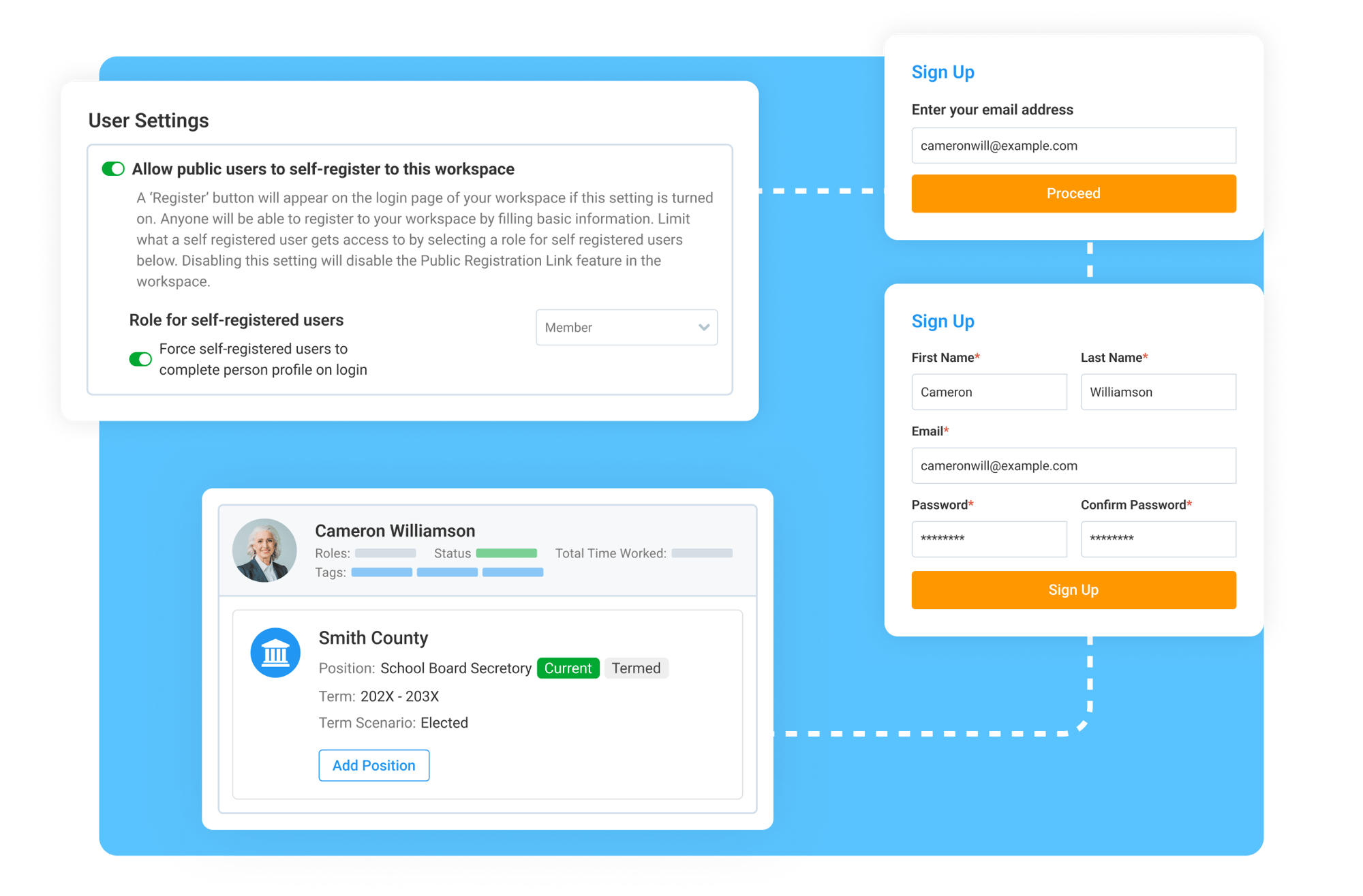
Not every new record needs to begin with your team manually creating a profile. With self-registration enabled, people can create their own Engagifii login and provide the information needed to establish their profile.
Your association determines the person type, role, permissions, and profile fields associated with the registration experience. This makes it easier to welcome new people while maintaining control over how they enter and interact with your association.
Reduce manual profile creation while maintaining control over access and information.
Connect Members to Memberships and Dues With the Same Login
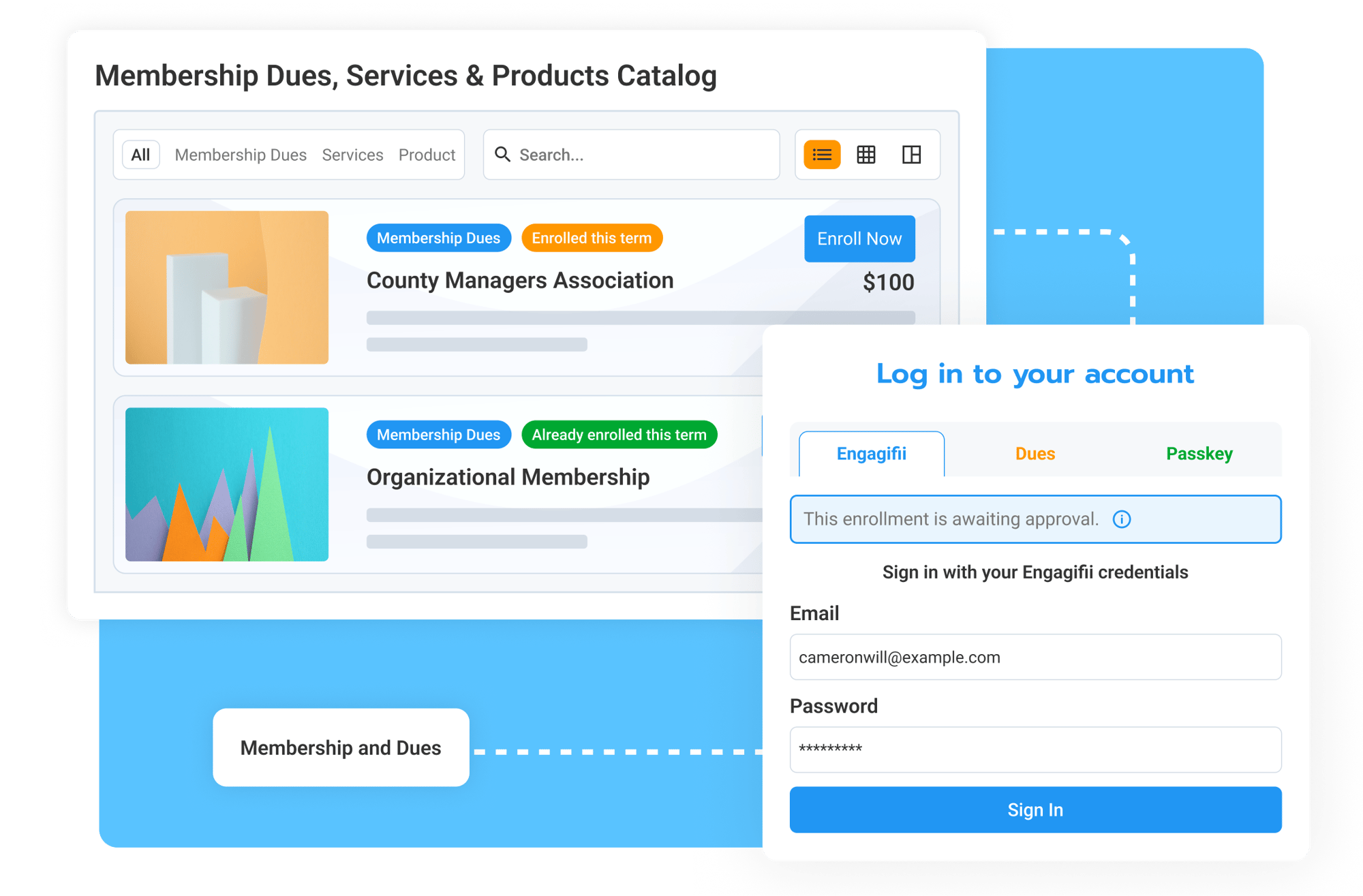
Member access doesn't need to stop after profile creation. When their permissions include Engagifii Dues, people can access them using their existing Engagifii credentials instead of creating another profile or login.
From there, members can view the membership options available to them and enroll. Eligibility and visibility settings can further determine which catalog options each person can access.
Create one shared path from profile creation to membership access, enrollment, and engagement.