
Web Publish
Publish Organization Directories on Your Website
Associations often need an easy way to display organizations on their website. Whether the directory includes member organizations, districts, agencies, affiliates, business partners, sponsors, or another organization group, visitors need a clear way to browse the right information in one place online.
The Organization Directory lets associations publish organization information from Engagifii to their website through the Engagifii plugin. Admins can choose how the directory appears, which organization details are shown, and what information should appear on the organization detail page.
org directory
Display Group Members in List or Grid View
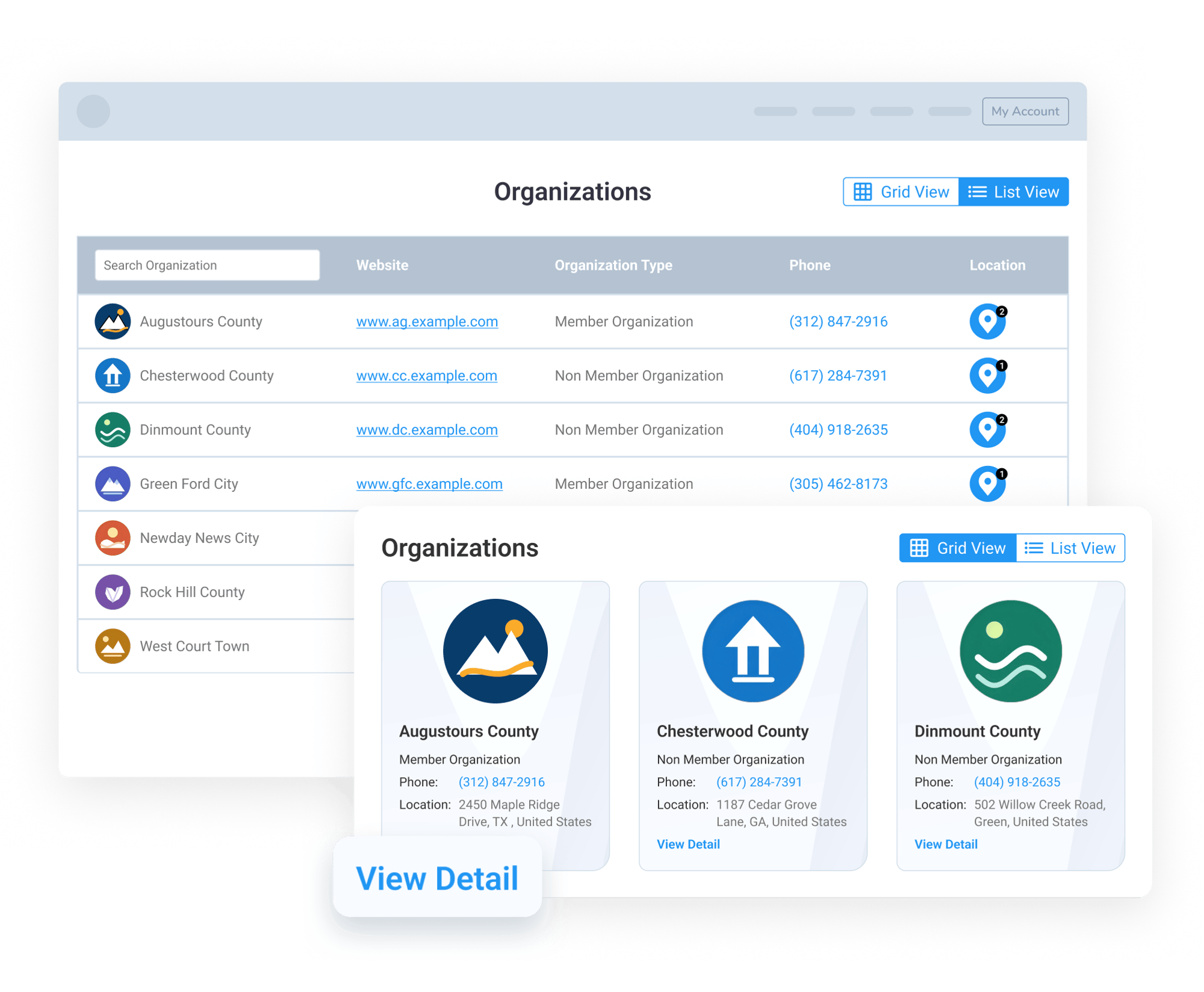
The Organization Directory allows associations to show organization records directly on their website. The directory can be displayed in list view, grid view, or a combined list and grid view, depending on how the association wants visitors to browse the information.
List view gives visitors a structured way to review organization details, while grid view creates a more visual experience with organization cards. Cards can include details such as organization name, logo, organization type, phone number, location, and other selected fields.
Associations can also use different menu or shortcode options to display only the list view, only the grid view, or both views together.
Let Visitors View More Organization Details
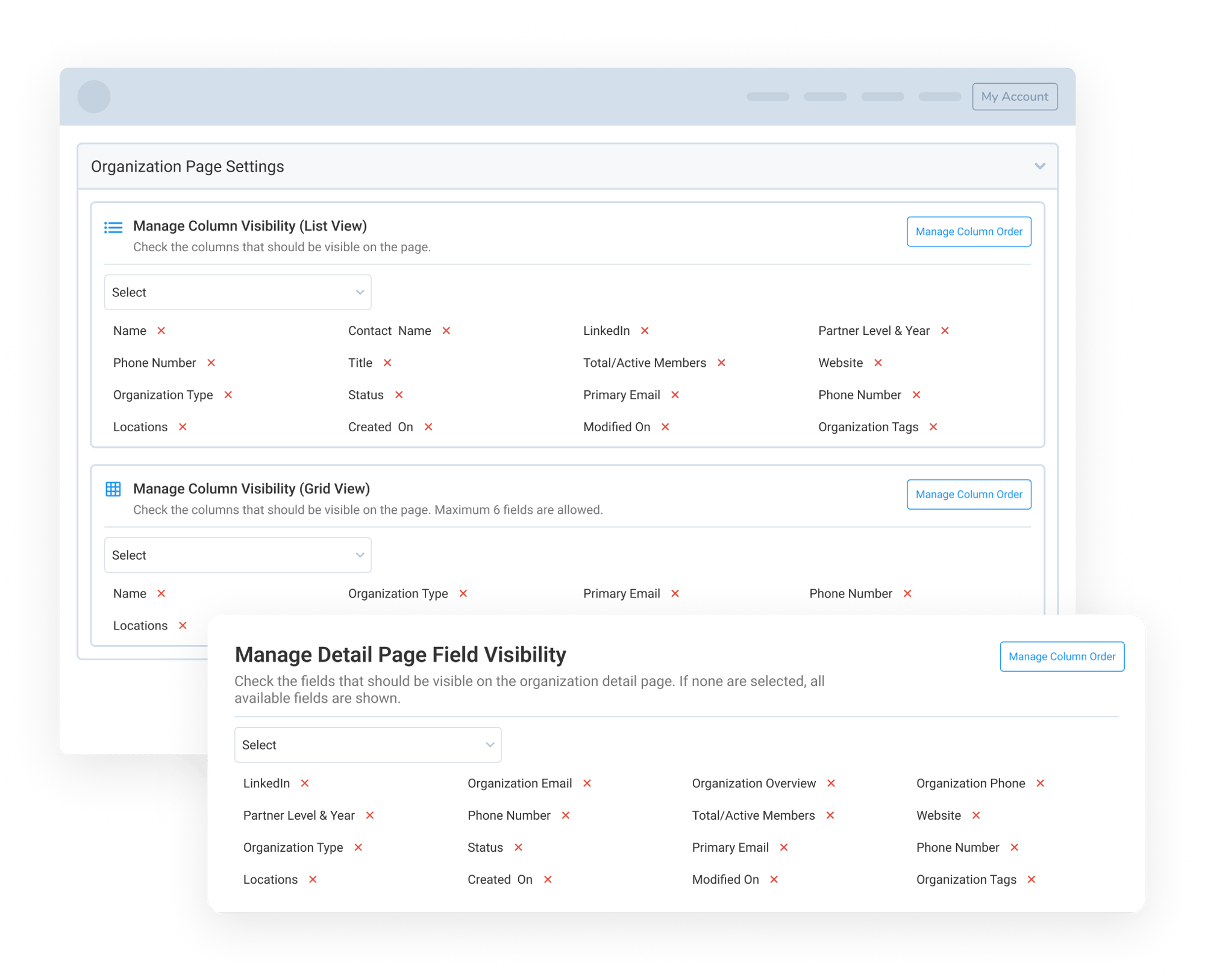
Admins can control which organization details appear across the directory experience. The backend includes separate settings for List View, Grid View, and Detail Page Field Visibility, so teams can decide what information appears in each part of the directory experience.
List view can show more structured information, such as organization name, contact name, organization type, website, phone number, location, status, tags, or other selected fields. Grid view can be kept more focused, with selected fields that fit better on an organization card.
Each organization card can include a View Detail option, allowing visitors to open a dedicated detail page for that organization. The detail page can show additional information such as address, social links, school details, member type, enrollment, region, or other fields the association chooses to display.
Manage Fields, Visibility, and Directory Layout
The Organization Directory gives admins control over what appears on the website, including list view fields, grid view fields, detail page fields, column order, and whether the View Detail button should appear.
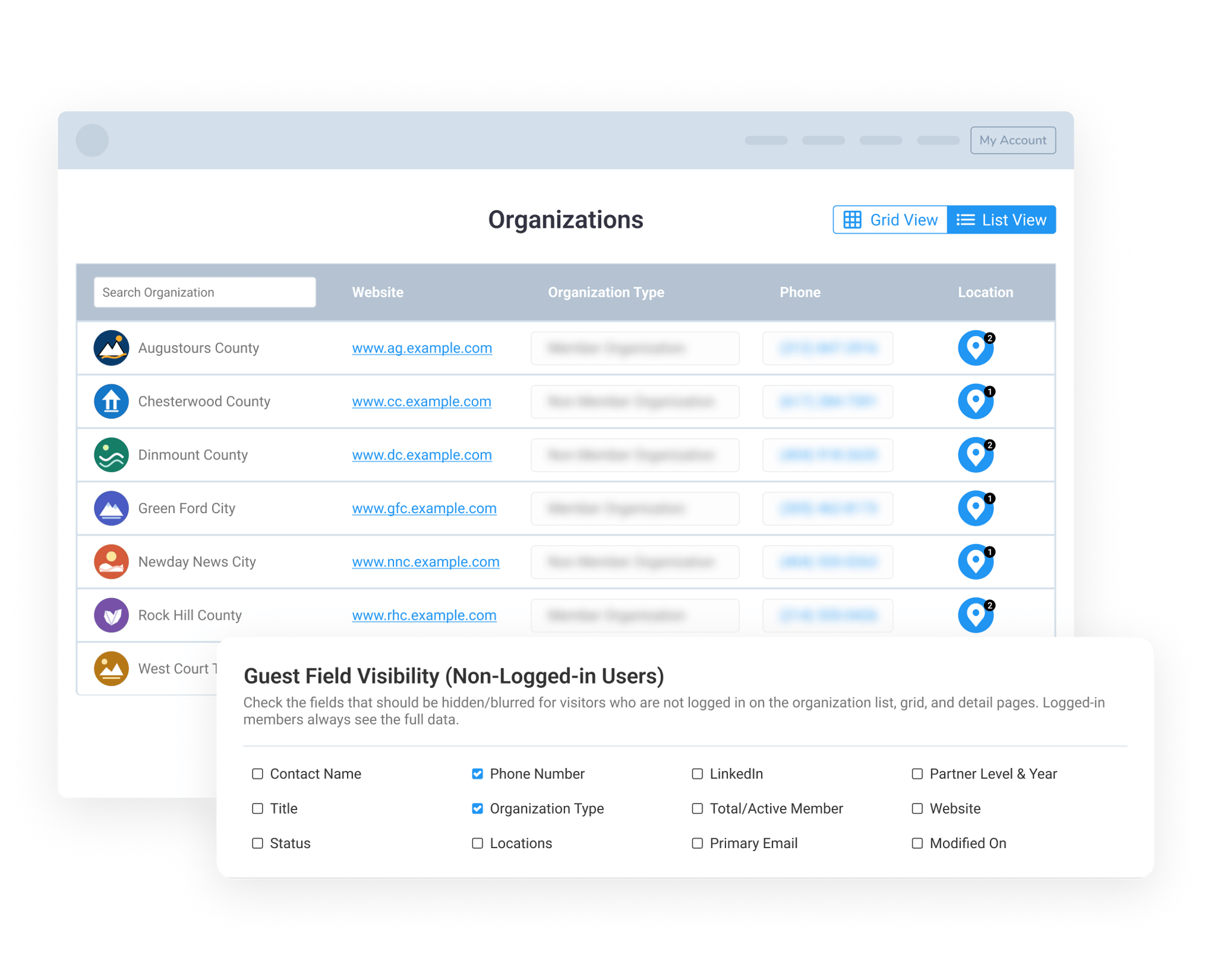
Admins can also choose which fields should be hidden or blurred for non-logged-in visitors through Guest Field Visibility, while logged-in members can see the full data clearly.
For larger directories, admins can manage filters, cards per row, pagination, and Load More behavior to keep the directory organized and easy to browse.